Robot Framework's syntax is built to be readable, and a handful of rules explain most of it. Here are the ones that make a test file click into place.
Files are organised into sections
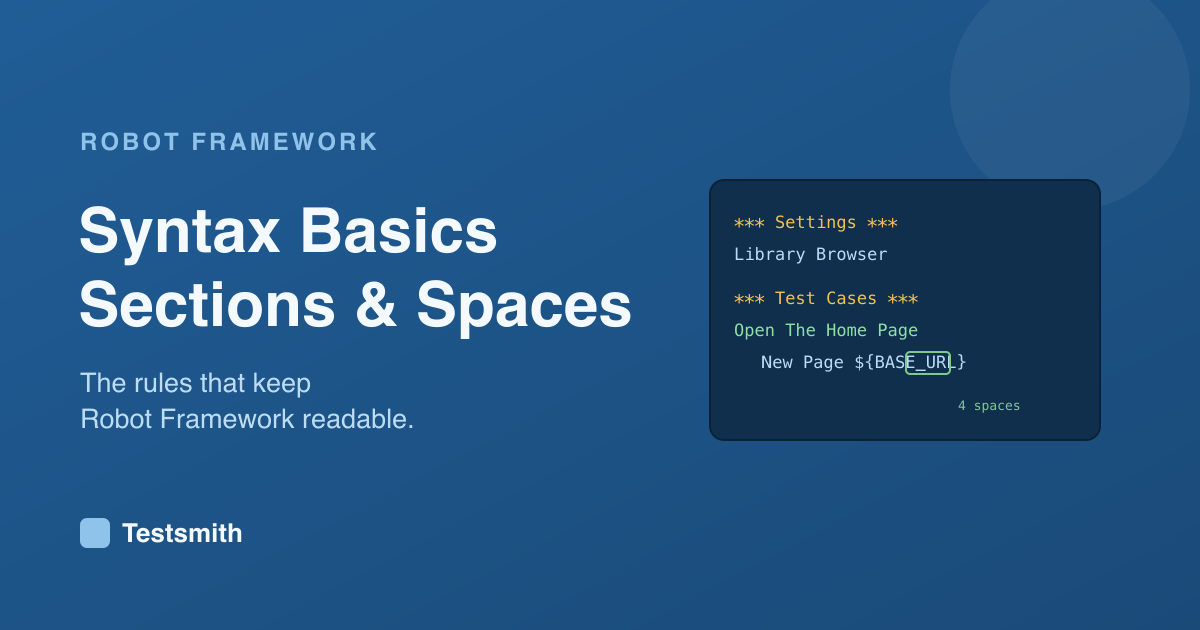
A file is split into sections, each marked by a header wrapped in three asterisks. The ones you meet first are Settings, for imports and configuration, Variables, for reusable values, Test Cases, for the tests, and Keywords, for the steps you define yourself.
*** Settings ***
Library    Browser

*** Test Cases ***
Open The Home Page
    New Page    https://demo.example.com
You only include the sections a file needs.
The rule that surprises newcomers
Robot Framework separates a keyword from its arguments using two or more spaces. A single space is part of a value, not a separator. Four spaces is the recommended, readable choice:
Fill Text id=username standard_user
Because spaces inside a value are allowed, you can write natural text as an argument without quotation marks, which is a big part of why the tests read so well.
Indentation and readability
The body of a test or keyword is indented, and everything indented under a name belongs to it. Add a couple more rules, that Robot Framework treats unquoted words as text and is mostly case-insensitive for names, and you have the shape of almost every file you will read.
Where this goes next
These rules are the surface. The judgement of how to structure suites, name keywords and organise variables so a project stays readable at scale is where the real skill lives. Our Robot Framework Certified Professional course covers the syntax properly and builds from there, and prepares you for the RFCP exam.
Frequently asked questions
Why does Robot Framework need two spaces? Because single spaces are allowed inside values, it needs a clear separator between cells. Two or more spaces provide that, and four is the readable convention.
Is Robot Framework case-sensitive? Mostly not. Keyword and variable names are case-insensitive, though a few things like library imports are case-sensitive, so being consistent is wise.
Do I need every section in every file? No. Include only the sections a file needs. A resource file, for example, has no Test Cases section.
Next: variables in Robot Framework, or start from install and first test.