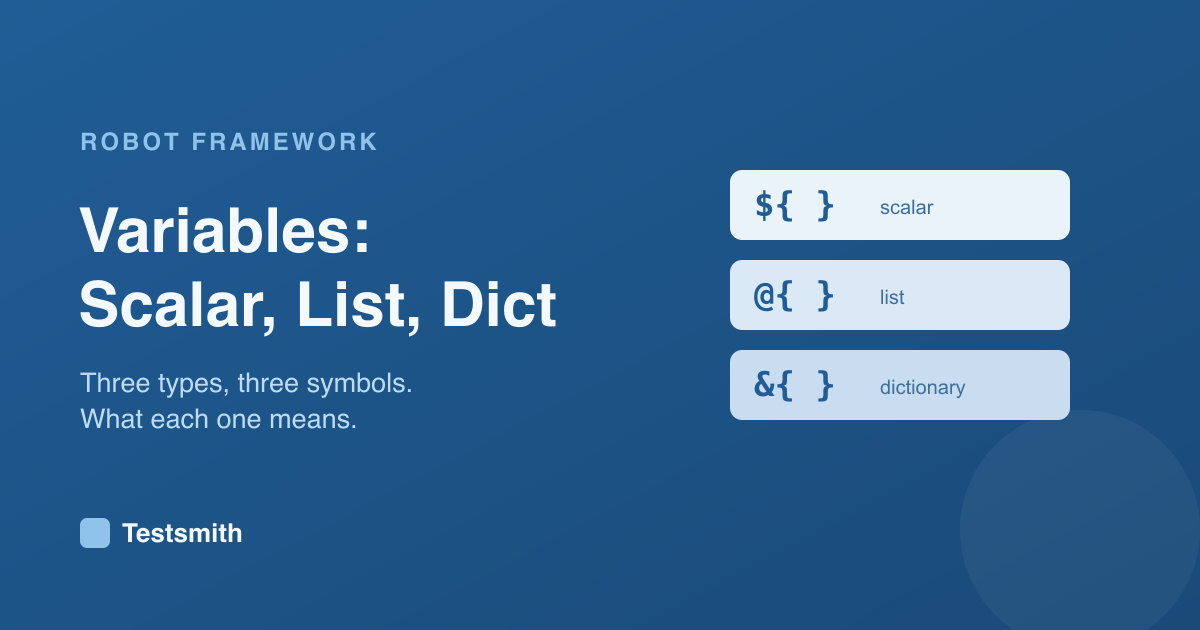
Variables are how you avoid repeating yourself and how you pass data around a test. Robot Framework has three kinds, each marked by its own symbol, and once you know what the symbols mean the rest follows.
The three types
- Scalar holds a single value and uses
${...}. - List holds an ordered collection and uses
@{...}. - Dictionary holds key and value pairs and uses
&{...}.
The symbol tells you, and the reader, the shape of the data:
*** Variables ***
${BASE_URL}    https://demo.example.com
@{BROWSERS}    chromium    firefox    webkit
&{USER}        name=standard_user    role=customer
Using them
The scalar is the one you reach for most. Anywhere you would type a value, you can use a variable instead, so a change in one place updates every test that uses it:
New Page ${BASE_URL}/login
Keywords that return a value are captured with an assignment, such as ${title}= Get Title. Values can also come from the command line, which is how one suite runs against development, staging and production without changing a line of the tests.
Why it matters
Deciding what to turn into a variable and what to leave inline is a small design skill that keeps suites tidy, and it underpins data-driven testing, where the same test runs across many values. Our Robot Framework Certified Professional course covers variables in full alongside keywords and libraries, and prepares you for the RFCP exam.
Frequently asked questions
What do the dollar, at and ampersand symbols mean?
${...} is a single value, @{...} is a list, and &{...} is a dictionary. The symbol shows the shape of the data.
How do I use a different value per environment?
Pass it on the command line with --variable, or use a variable file. The tests stay the same and only the value changes.
How do I capture a keyword's result?
Assign it, such as ${title}= Get Title. You can capture lists and dictionaries the same way with the @{...} and &{...} forms.
Next: user keywords and resource files, or revisit syntax basics.