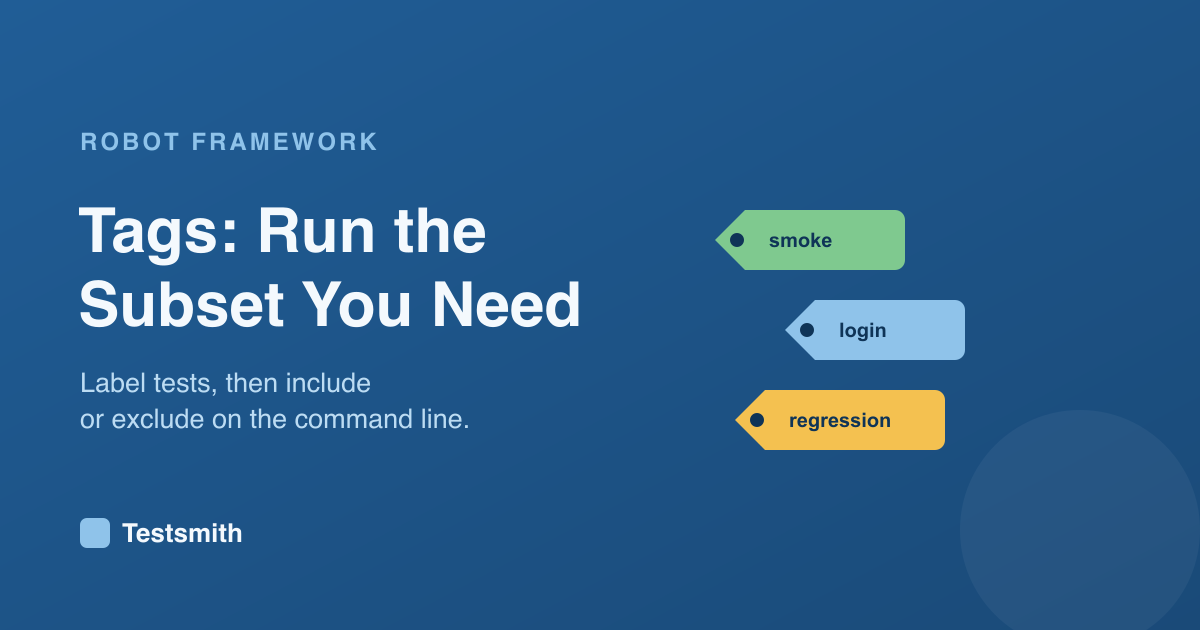
As a suite grows, you rarely want to run everything every time. Tags let you label tests and then run just the ones you care about, such as a quick smoke set before a deploy.
Labelling tests
You tag a test with the [Tags] setting, and a test can carry as many tags as you like:
*** Test Cases ***
A Registered User Can Log In
    [Tags]    smoke    login
    Log In As    standard_user    secret
    Page Should Show    Welcome
To tag every test in a file at once, use Test Tags in the Settings section.
Running a subset
You use tags on the command line:
uv run robot --include smoke tests/
uv run robot --exclude slow tests/
You can combine them, and use AND and OR patterns, to slice a large suite exactly how a given situation needs. Tags also group the results in the report, so you can answer "did all the smoke tests pass?" at a glance.
Making it work at scale
The value comes from a small, consistent set of tags, usually a mix of scope such as smoke and regression, feature area such as login and checkout, and stability such as slow. Designing that scheme so it stays useful across a growing suite is part of what a structured course covers. Our Robot Framework Certified Professional course covers tagging strategy alongside setup, teardown and reporting, and prepares you for the RFCP exam.
Frequently asked questions
How do I run only some tests?
Tag them, then use --include on the command line, such as uv run robot --include smoke tests/.
Can a test have more than one tag? Yes, as many as you like, which is what lets you slice the suite by scope and by feature area.
How do I tag every test in a file?
Use Test Tags in the Settings section. Every test inherits that tag, on top of any it sets itself.
Next: data-driven testing, or revisit setup and teardown.