As a web suite grows, selectors and steps for the same page end up scattered across dozens of tests, and every redesign becomes a hunt. The page object model is a simple way to prevent that, and Robot Framework supports it naturally with resource files and keywords.
The idea
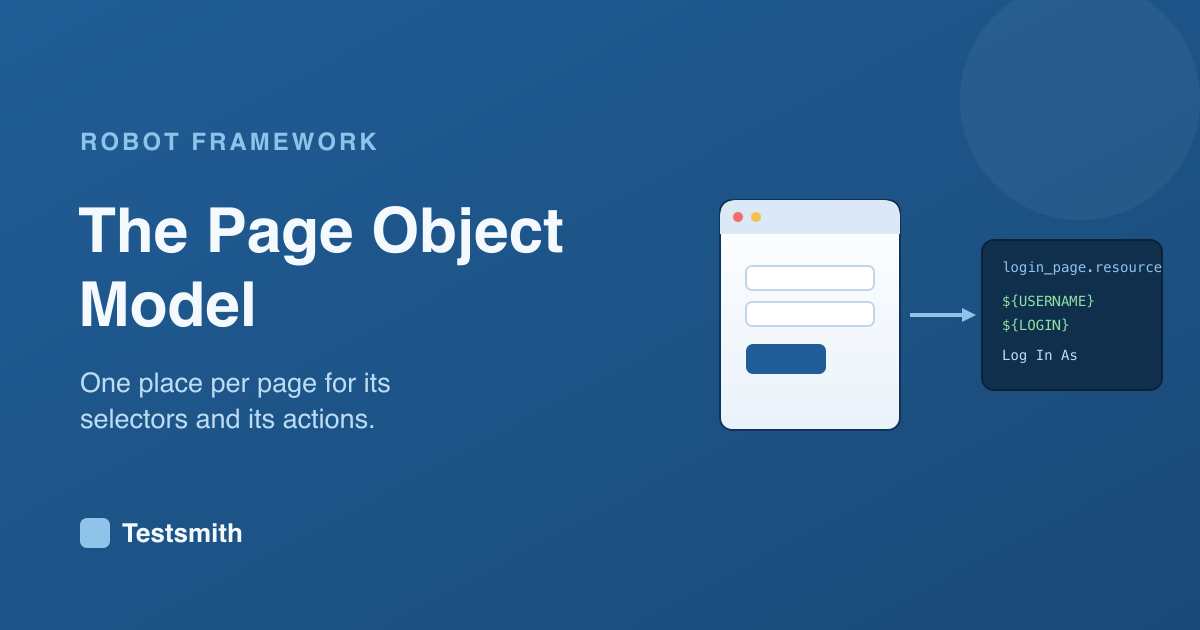
A page object gathers everything about one page in one place: its selectors and the actions you can take on it. Your tests then talk to the page in its own language, Log In As, Search For, rather than dealing in raw selectors. When the page changes, you update its object, and every test that used it follows.
How it looks in Robot Framework
You do not need a special library. A page object is a resource file with the page's selectors as variables and its actions as keywords:
# login_page.resource
*** Variables ***
${USERNAME}    css=[data-testid="username"]
${LOGIN}       css=[data-testid="login"]

*** Keywords ***
Log In As
    [Arguments]    ${user}    ${password}
    Fill Text    ${USERNAME}    ${user}
    Click        ${LOGIN}
A test imports the page and reads cleanly, with no selectors in sight. This builds directly on resource files and stable selectors, so if you know those, you already have the pieces.
Why it is worth the structure
The payoff is maintenance. A selector or a workflow lives in exactly one place, so a change is a one-line fix rather than a search across the suite. Knowing how to draw the boundaries between pages, and when a shared keyword belongs above them, is part of designing web automation that lasts. Our Robot Framework Certified Professional course covers structuring web tests alongside the Browser library, and prepares you for the RFCP exam.
Frequently asked questions
Does Robot Framework support the page object model? Yes, without any special library. A page object is a resource file holding a page's selectors as variables and its actions as keywords.
Why use page objects? So a page's selectors and actions live in one place. When the page changes, you update the object once instead of editing every test that touched that page.
How is this different from ordinary keywords? It is the same mechanism, applied with structure. You group the keywords and selectors for one page together, which keeps a large web suite maintainable.
Related: stable selectors and web testing with the Browser library.