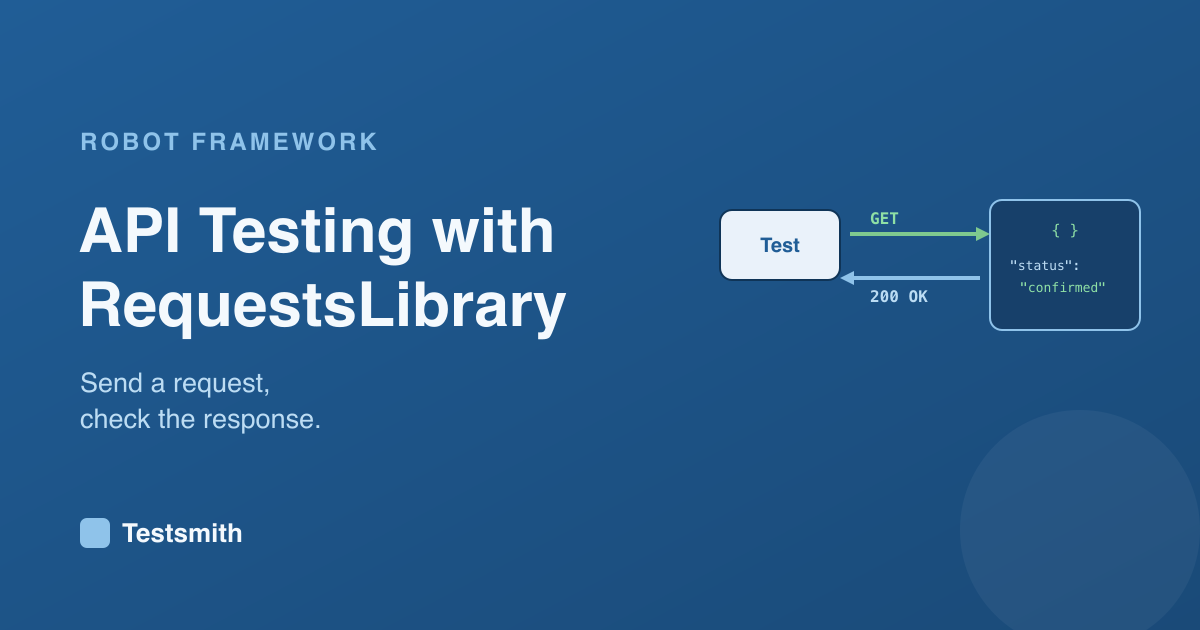
Not every test needs a browser. A lot of what an application does happens over an API, and Robot Framework tests those just as readably with RequestsLibrary. It is the same keyword-driven syntax, pointed at endpoints instead of pages.
A first taste
Once the library is added (uv add robotframework-requests), a test sends a request and checks the response:
*** Settings ***
Library    RequestsLibrary

*** Test Cases ***
The Latest Order Is Confirmed
    ${response}=    GET    https://demo.example.com/api/orders/latest
    Status Should Be    200    ${response}
    Should Be Equal    ${response.json()}[status]    confirmed
GET sends the request, Status Should Be checks the response code, and ${response.json()} reads the body so you can assert on it. The same idea covers POST, PUT and DELETE, with headers and a request body where you need them.
Why it is worth having
API tests are faster and steadier than browser tests, and they check logic the interface hides. Because Robot Framework speaks both, a single suite can drive the browser and the API together, which is a point we make in web testing with the Browser library. That reach is one of the main reasons teams pick Robot Framework.
The detail of sessions, authentication, and validating larger responses is what a structured course covers. Our Robot Framework Certified Professional course covers API testing alongside web automation, and prepares you for the RFCP exam.
Frequently asked questions
What library do I use for API testing? RequestsLibrary is the common choice. It gives you keywords to send requests and read responses in Robot Framework's readable syntax.
Can I test an API and a web page in the same suite? Yes. Robot Framework uses libraries for each, so one suite can drive the browser and call the API, in the same format.
How do I check the response body?
Read it with ${response.json()} and assert on the values, for example checking that a field equals an expected value.
Next: writing a custom Python keyword library, or revisit what is Robot Framework?.